
Selling to businesses is slow for a reason. The person who finds you is rarely the person who signs, the budget needs approval, and somebody in finance will ask why you're better than the option they already know. A B2B lead generation funnel is simply a plan for walking a group of people through that process without losing them halfway.
In this guide I'll explain the stages, show you what content and offer belong at each one, and then walk through a full worked example of building the funnel in CloudFunnels, page by page. The example company is made up, so there are no invented results here. It's the build I'd actually do.
CloudFunnels is made by my team at Teknikforce, so I'm biased. I'll stick to what its sales page says it does and point out where you might need something else.
What a B2B lead generation funnel actually is
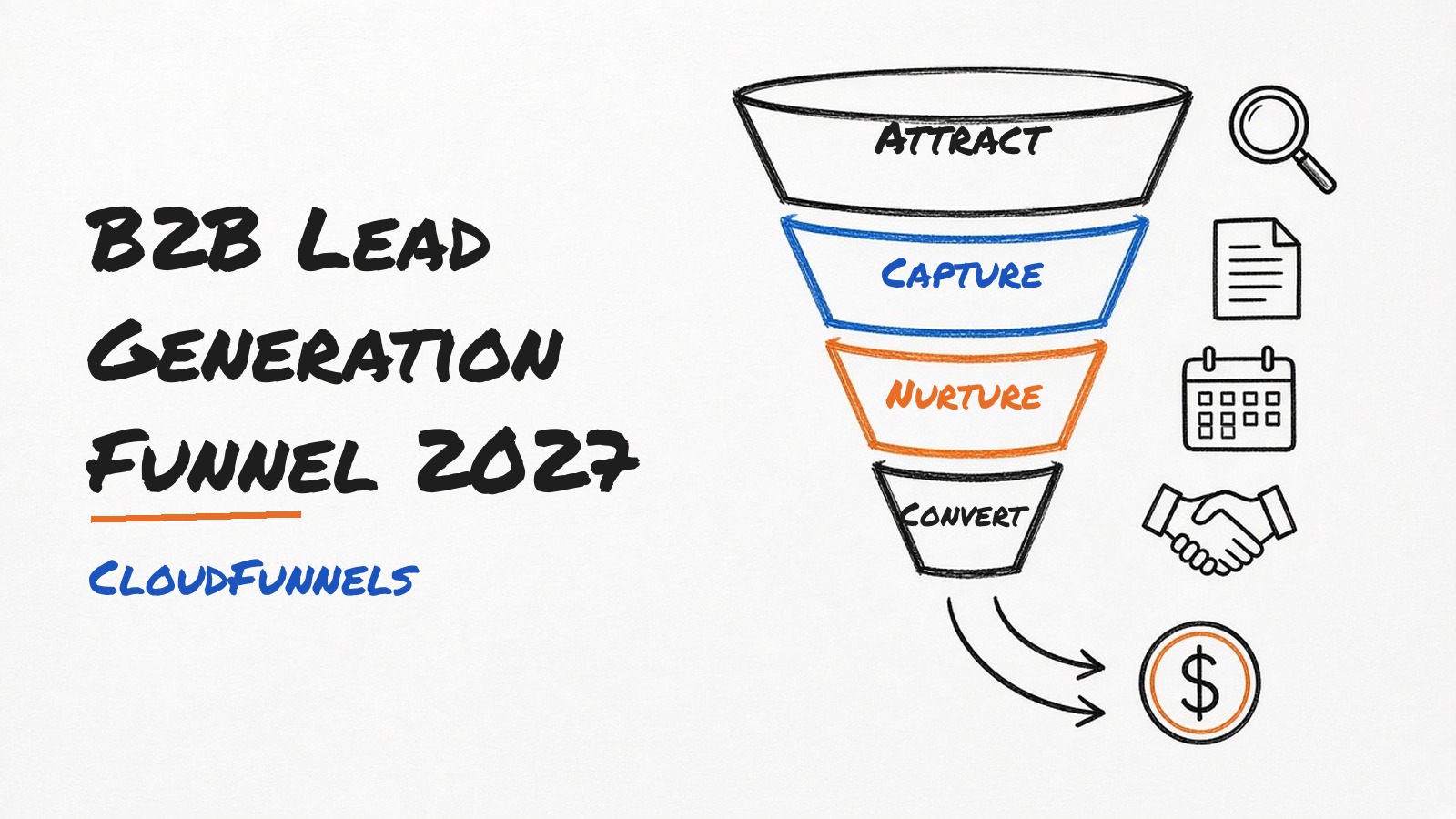
A B2B lead generation funnel is the path a business buyer takes from first hearing about you to booking a call or buying. It usually has five stages.
- Attract. Someone with the problem finds a useful piece of your content.
- Capture. They swap their email for something more valuable, like a checklist or a short guide.
- Nurture. A sequence of emails teaches them, answers objections and builds trust.
- Convert. They book a call, a demo or an assessment.
- Retain. The new client gets onboarded well enough to stay and refer others.
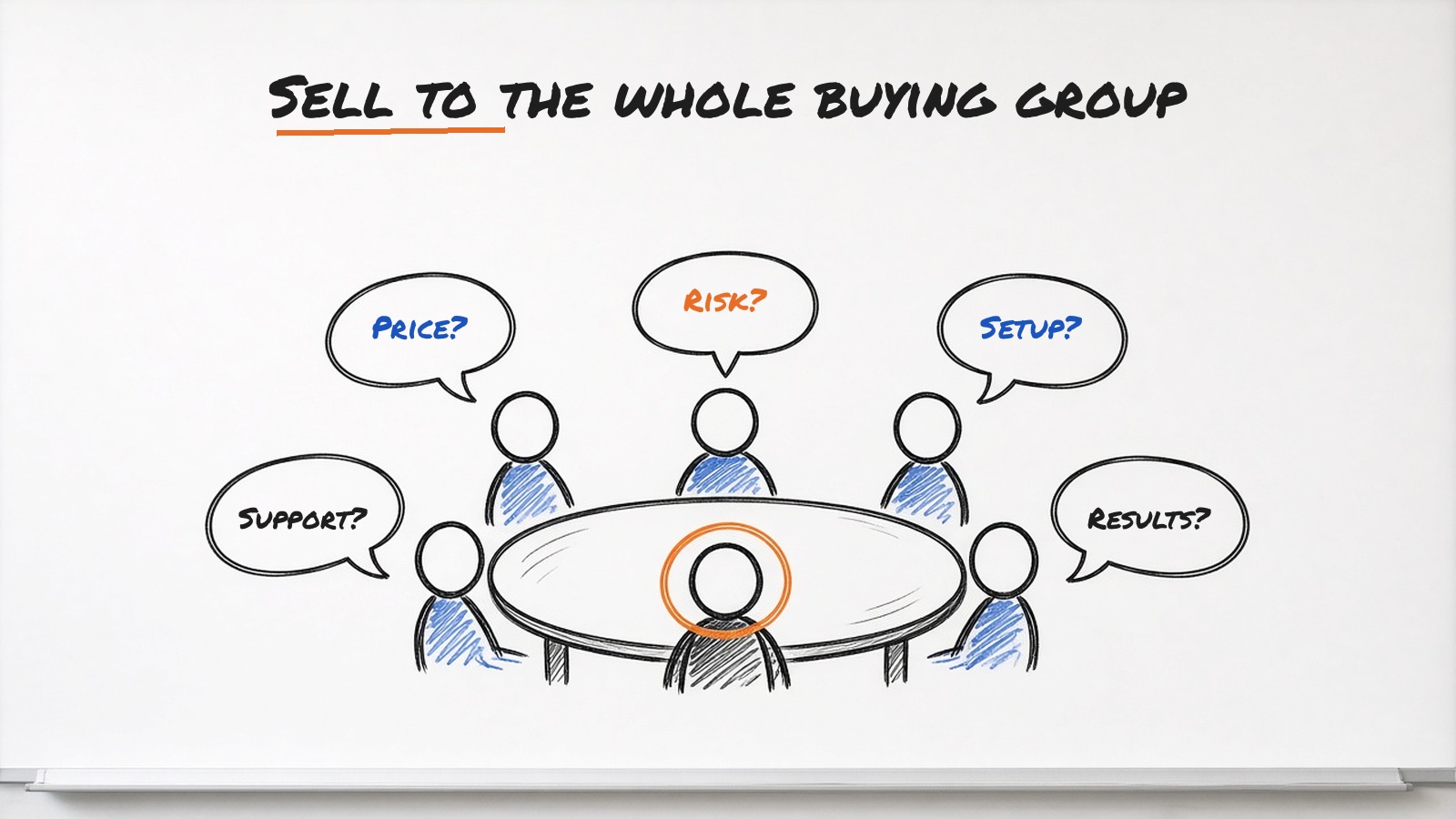
The big difference from selling to consumers is the number of people involved. Gartner has long put the typical B2B buying group at six to ten people. Your funnel needs content for the person who searches, the person who approves the budget and the person who'll use the product every day.
The funnel, stage by stage
Here's the map I use before building a single page. It keeps content, offers and measurement in one place.
| Stage | Content | Offer | Metric to watch |
|---|---|---|---|
| Attract | Blog posts and LinkedIn posts that answer specific problems | A free guide or checklist mentioned at the end | Visits to the opt in page |
| Capture | An opt in page with a short form | A checklist, template or short report | Opt in rate on that page |
| Nurture | A five email sequence with one idea per email | A short video walkthrough or webinar | Email clicks and replies |
| Convert | A booking page and a simple proof page | A free assessment or demo call | Calls booked per 100 leads |
| Retain | An onboarding sequence and a members area | Setup help and a quarterly review | Clients still active after 90 days |
You can plan the stages in a spreadsheet first, but I find it easier to sketch them in the funnel builder because the pages are where the plan becomes real.
Six steps to build it
These are the steps in order. I've kept them short here and gone into detail in the worked example below.
- Define your buyer and their problem. Write one sentence about who you help and the costly problem you solve.
- Choose one lead magnet. One offer that the buyer would happily trade an email address for.
- Build the opt in and thank you pages. A focused page with a short form, then a thank you page that offers the next step.
- Write the nurture sequence. Five emails over about two weeks, each with one idea and one link.
- Set up the conversion page. A booking page for a call, assessment or demo.
- Measure and improve one thing at a time. Look at the numbers each week and fix the weakest stage first.
A worked example built in CloudFunnels
To make this concrete, here's a made up business. I'll call it ClinicDesk IT, a small managed IT company that looks after computers, backups and security for dental clinics. Its buyers are clinic owners and practice managers. The clinic owner signs, the practice manager does the research and the office staff deal with the day to day problems.
Step 1. The buyer and the problem
ClinicDesk's sentence is this. We help small dental clinics stop losing patient data and appointment time to IT problems. That single line shapes every page that follows.
Step 2. The lead magnet
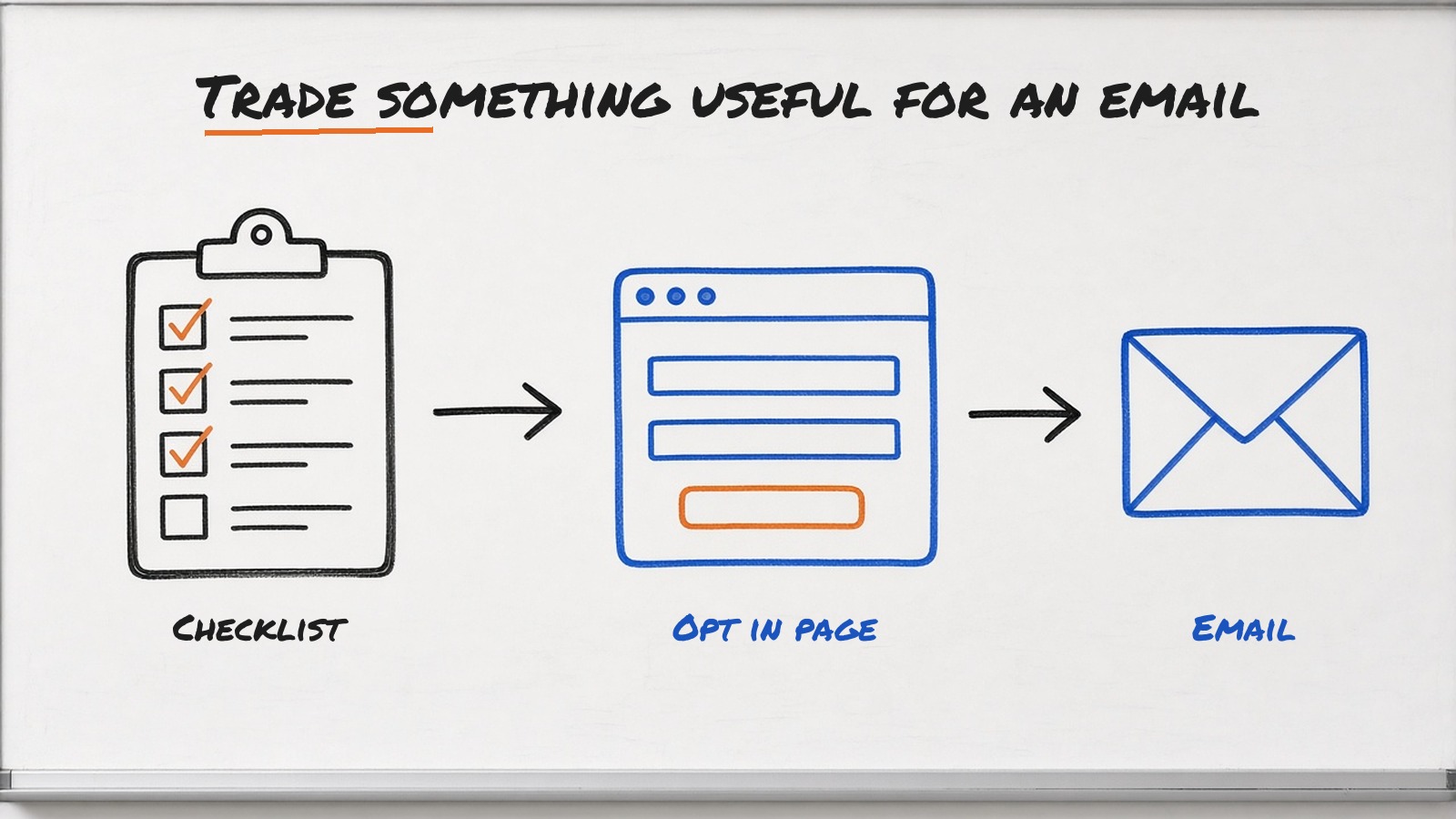
The practice manager is the one searching at 4 pm on a Tuesday because the scanner stopped working again. So the lead magnet is a practical one, a "Dental Clinic IT Checklist" with 20 items covering backups, passwords, software updates and what to do when a computer fails. It's a two page PDF. It's useful even if they never become a client, which is the point.
Step 3. Opt in and thank you pages
In CloudFunnels I'd start a new funnel from one of the readymade templates. The sales page lists 180 plus funnel and opt in templates, and the WYSIWYG designer lets you edit text, fonts, colours and images without code.
The opt in page gets a headline about the checklist, three bullet points on what's inside, a picture of the PDF and a form with name, work email and clinic name. Nothing else. I'd use CloudFunnels' built in AI copywriter to suggest a few headline options, then pick the one that sounds most like a real practice manager would say it.
The thank you page delivers the checklist and offers a next step straight away, a free 20 minute IT health check call. Most people won't book yet. The few who do are your warmest leads.
Because CloudFunnels can run funnels on a domain, a subdomain or a folder, I'd put this one on something like checklist.clinicdeskit.com so it's easy to track separately from the main site.
Step 4. The nurture sequence
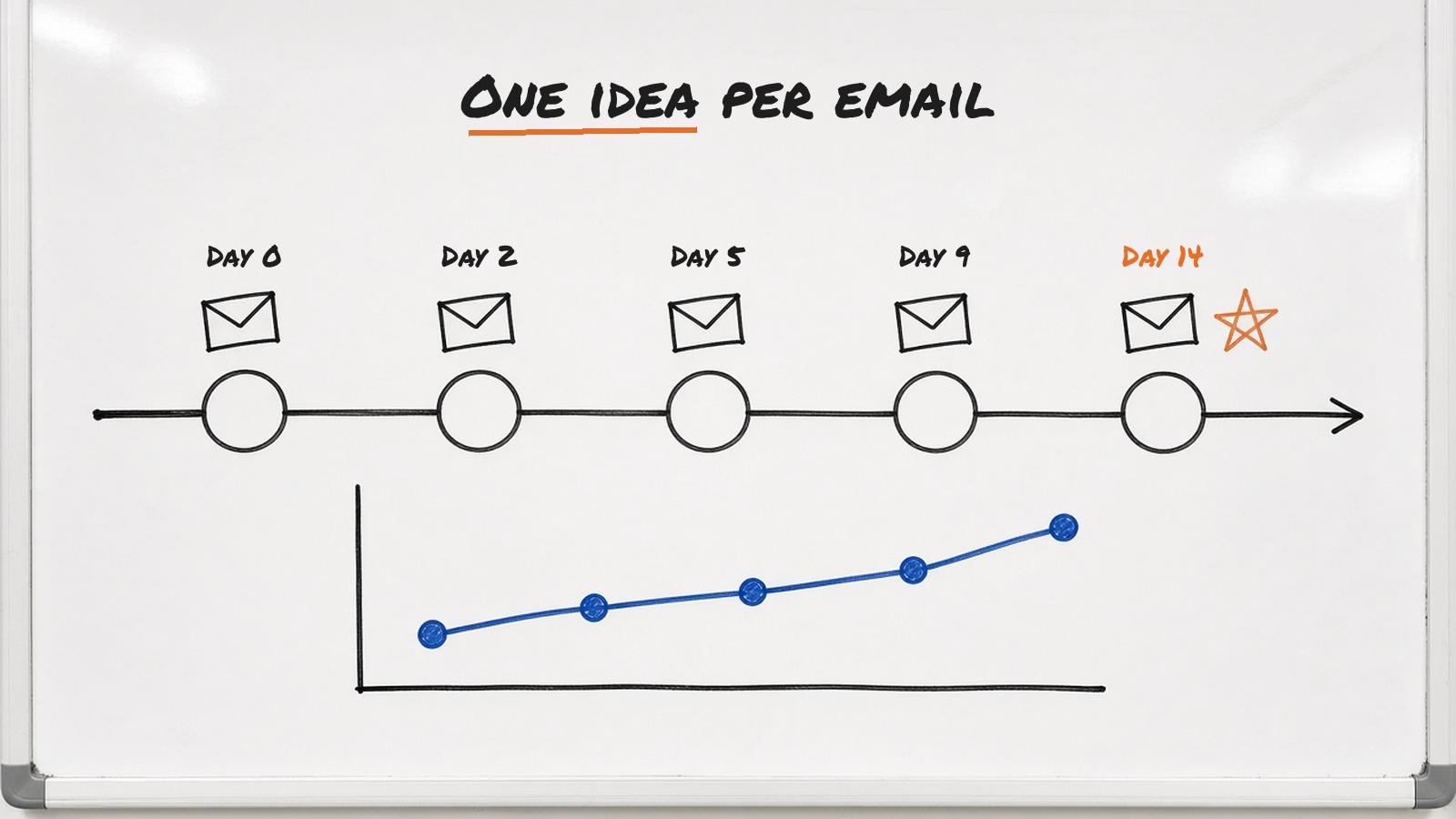
CloudFunnels has a built in autoresponder that can send sequences automatically, so the sequence lives in the same place as the pages. If ClinicDesk already used another email platform, CloudFunnels lists support for 22 autoresponders and Zapier, so leads can go there instead.
Here's the five email sequence I'd write.
- Day 0. Your checklist, plus the one item clinics most often skip.
- Day 2. What happens when a clinic loses a day of appointments to a dead computer, written as a simple story.
- Day 5. How to check whether your backups actually work, with a short screen recording.
- Day 9. Answers to the three questions clinic owners ask before switching IT support.
- Day 14. A direct invitation to book the free IT health check.
Each email has one link. I want clicks to go somewhere specific, not scatter across the site.
Step 5. The conversion page
The booking page explains what happens in the health check, who'll be on the call and what the clinic gets afterwards, a short written report. I'd add an FAQ section and a calendar booking embed from whatever scheduling tool ClinicDesk already uses.
CloudFunnels includes free plugins listed on its sales page, including a survey plugin and an exit pop plugin. I'd use a two question survey on the booking page, asking how many computers the clinic runs and what's bothering them most. That gives the sales call a head start.
If ClinicDesk later wanted to sell a fixed price setup package online, CloudFunnels supports payment gateways including Stripe and PayPal, so the same funnel could take payment.
Step 6. Measure and improve
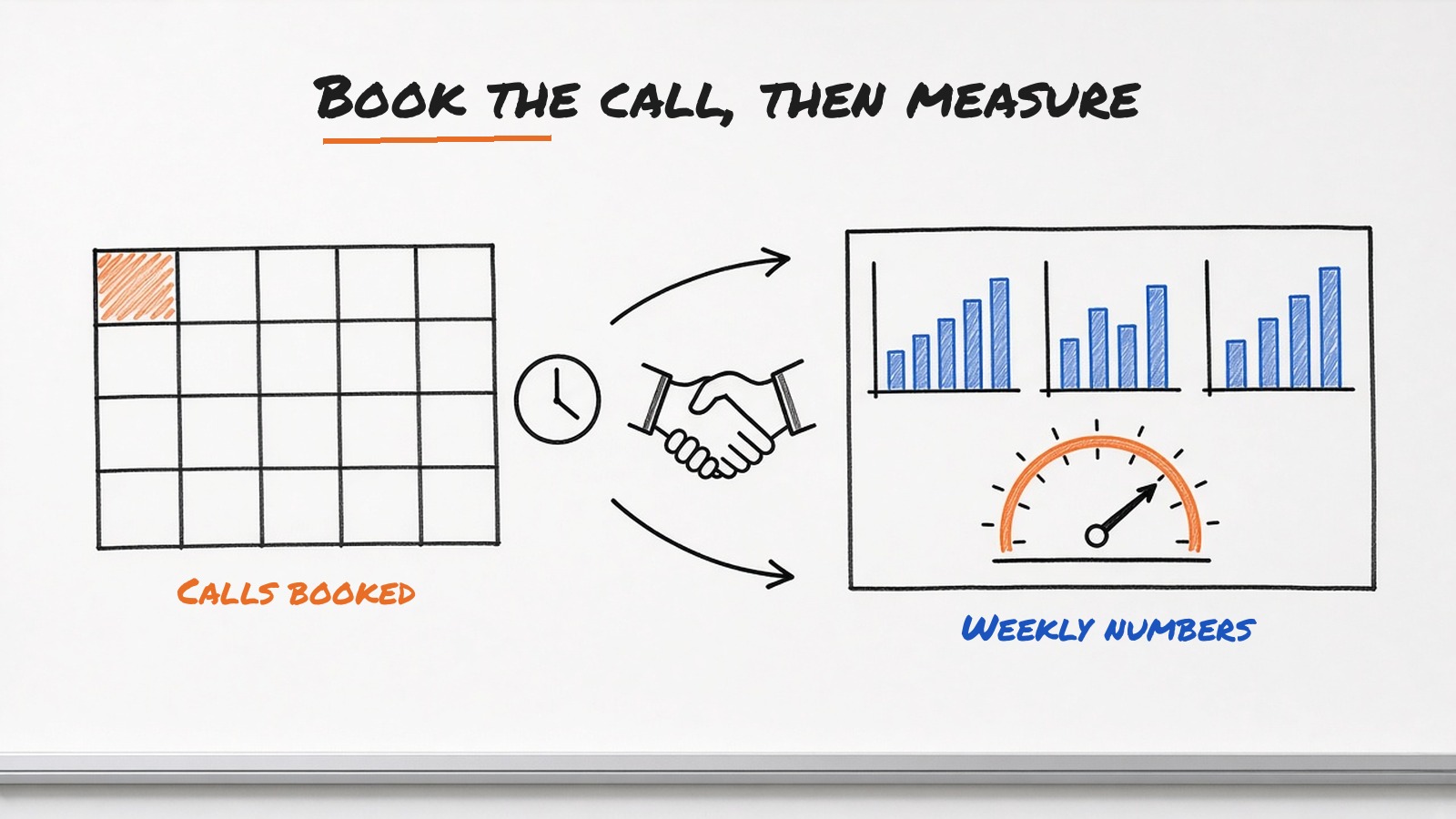
CloudFunnels has sales and lead analytics, and it supports Google Analytics and tracking pixels. Each week I'd look at four numbers. Visits to the opt in page, opt in rate, email clicks and calls booked.
Then I'd fix the weakest one. If people visit but don't opt in, the headline or the offer needs work. If they opt in but never click, the emails need work. CloudFunnels' sales page lists A/B and split testing, which makes it easier to compare two headlines properly. I'd confirm it's available on your plan before relying on it. Either way, you can try one change at a time and compare weeks.
What I won't do is give you made up numbers for how ClinicDesk performs. Every market is different. The method is what transfers.
How the options compare
You don't have to use CloudFunnels for this. Here's how the common ways of building a B2B funnel compare.
| Approach | What you manage | Cost | Good fit |
|---|---|---|---|
| CloudFunnels | Pages, autoresponder, payments and analytics in one app you host yourself | $6.99 a month or $67 a year | My first pick for small B2B firms that want the whole funnel in one place |
| A page builder plus a separate email tool and CRM | Three or more tools joined with integrations | Check site for each tool | Teams that already own those tools |
| HubSpot Marketing Hub | A large hosted suite with CRM included | Check site | Larger teams with a bigger budget |
| A custom coded site | Everything, through a developer | Developer time | Unusual requirements |
Mistakes that leak B2B leads
These are the problems I see most often when a B2B funnel isn't working.
- Asking for a call too early. A cold visitor won't book a sales call. Give them a useful first step.
- Long forms. Every extra field costs opt ins. Ask only for what you need now.
- One message for everyone. The person researching and the person signing care about different things. Give each one an email or page that speaks to them.
- No follow up after the opt in. If the first email arrives a week later, the lead has forgotten you.
- Measuring only the end. Track each stage so you know where people drop off.
If you're seeing leaks further down the line, I covered why sales funnels stop converting and how to fix them. For a wider look at the stages, see B2B sales funnel stages and strategies.
What CloudFunnels costs
CloudFunnels costs $6.99 a month or $67 a year. The sales page also lists a 30 day money back guarantee. If you need a particular number of funnels, domains or contacts, check what your plan covers at checkout.
CloudFunnels installs on any PHP hosting, so you also need a hosting plan. That's useful if you want customer data to stay in a particular country.
A few common questions
What is a B2B lead generation funnel?
It's the path a business buyer takes from first finding your content to booking a call or buying. It usually runs from attract to capture, nurture, convert and retain, with content and an offer at each stage.
How long should a B2B nurture sequence be?
Five emails over about two weeks is a good start. Each email should teach one thing and have one link. You can add more once you see which emails get clicks and replies.
What makes a good B2B lead magnet?
Something practical the buyer can use straight away, like a checklist, a template or a short report on a specific problem. It should be useful even if they never buy from you.
Which metrics matter most in a B2B funnel?
Watch the opt in rate on your landing page, email clicks, calls or demos booked per 100 leads and how many new clients are still active after 90 days. Fix the weakest stage first.
Can I build a B2B funnel in CloudFunnels without coding?
Yes. CloudFunnels has a drag and drop WYSIWYG designer and 180 plus templates, so you can build opt in, thank you and booking pages without code. You'll need PHP hosting to install it.
Does CloudFunnels replace my CRM?
Not entirely. It handles pages, email sequences, payments and analytics, and it can send leads to a CRM through Zapier, Pabbly and its other integrations. If your sales team lives in a CRM, keep it and connect the two.
Does CloudFunnels support A/B testing?
The sales page lists A/B and split testing. Confirm it's available on your plan before you rely on it. You can always compare one change at a time across weeks.
Build your first B2B funnel this week
A B2B funnel doesn't need to be clever. It needs one clear buyer, one useful offer, a short sequence and a simple next step, all measured so you know what to fix.
CloudFunnels puts the pages, the emails and the analytics in one place, which is exactly what a small B2B team needs to get started. Get CloudFunnels for $6.99 a month or $67 a year and build the opt in page for your first lead magnet this week.