
You've picked your funnel builder. You've chosen a nice template. And now you're staring at a headline box that says "Your Amazing Headline Here." That's where most funnels stall.
The tool is rarely the problem. The words are. A funnel is really a short conversation with a stranger, and every page has one job to do in that conversation. When the copy doesn't do that job, people leave.
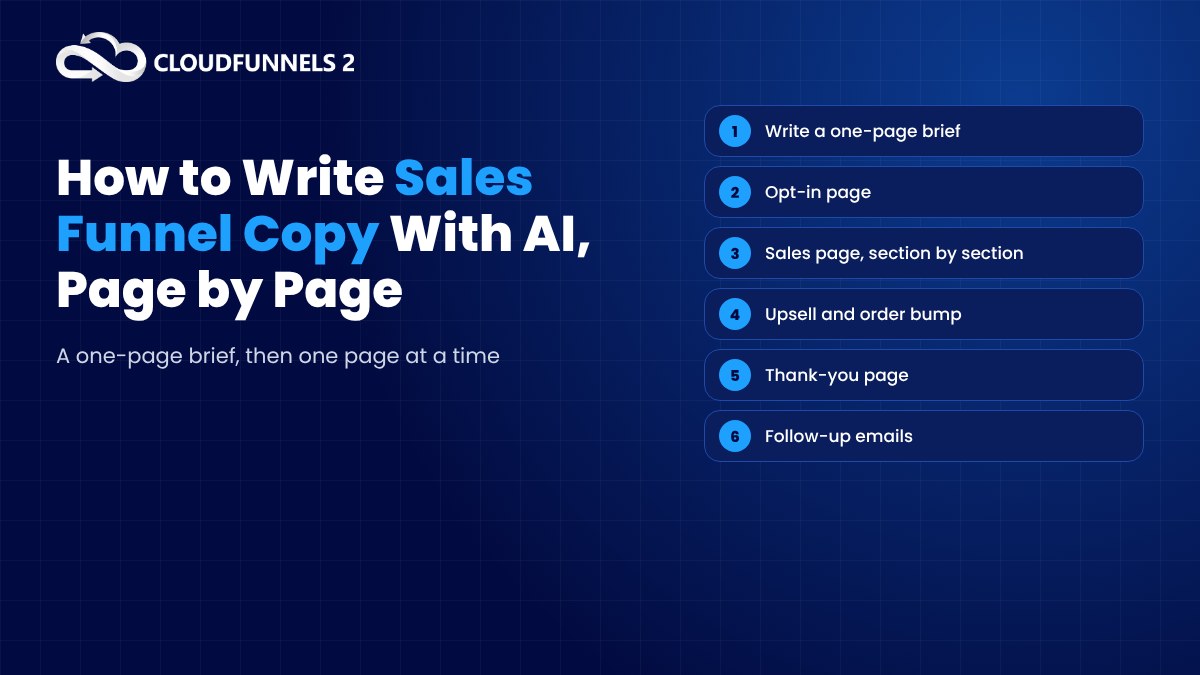
In this guide I'll walk you through how to write the copy for every page of a sales funnel with AI, page by page, without ending up with the bland, robotic stuff everyone else is publishing. If you're still deciding which builder to use, we've compared CloudFunnels AI with 6 online funnel builders in a separate post.
Why Funnel Copy Is Different From Other Writing
A blog post can wander a little. Funnel copy can't.
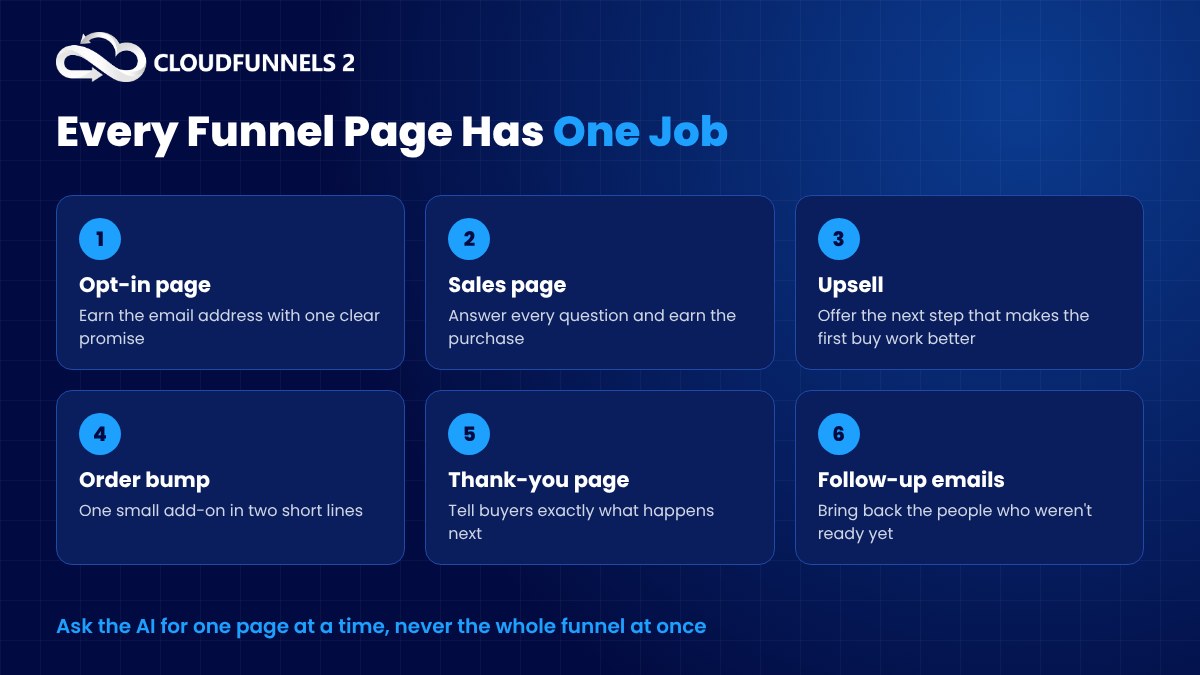
Each page exists to move the reader one step forward. The opt-in page earns an email address. The sales page earns a purchase. The upsell earns a bigger order. The emails bring people back who weren't ready yet.
So before you ask AI for anything, ask yourself a simple question. What is the one thing this page needs the reader to do?
If you can't answer that in a sentence, no AI in the world will write good copy for it.
Start With a One-Page Brief, Not a Prompt
Here's the mistake I see most often. People open an AI writer and type "write a sales page for my course."
What comes back is generic. Of course it is. The AI knows nothing about you.
So write a short brief first. One page, maximum. Then paste it in front of every request you make.
- The offer. What exactly are you selling, and what does the buyer get?
- The reader. Who are they, and what are they struggling with right now?
- The result. What changes for them after they buy?
- The proof. Testimonials, numbers you can actually back up, your own story.
- The big objection. The main reason someone would say no.
- The next step. What you want them to click.
This takes twenty minutes. It saves you hours of fixing weak drafts.
And here's the bonus. Once the brief exists, every page of the funnel speaks with the same voice, because the AI is working from the same facts each time.
The Opt-in Page
The opt-in page has the smallest job and the least space. A headline, a few bullets and a button.
Ask the AI for options, not a single answer. Something like "Using the brief above, give me ten headlines for an opt-in page offering a free checklist. Focus on the result the reader wants, keep each under twelve words."
Then pick the two or three that sound most like something a real person would say.
For the bullets, ask for specific outcomes. "Write five bullets describing what the reader will learn from the checklist. Each bullet should name a specific benefit, not a vague promise."
The button text matters more than you'd think. "Submit" is a dead word. "Send Me the Checklist" tells people exactly what happens next.
The Sales Page
This is the big one, and it's where AI helps the most, as long as you don't ask for it all at once.
Long sales pages written in one go tend to be repetitive and flat. Instead, break the page into sections and write each one separately.
- The hook. A headline and opening that name the reader's problem in their own words.
- The problem. Why the usual fixes haven't worked for them.
- The solution. Your offer, introduced as the answer.
- What's inside. Features turned into benefits.
- The proof. Real testimonials and results.
- The offer and price. What they get and what it costs.
- The guarantee. What happens if it doesn't work out for them.
- The call to action. Clear, repeated and easy to find.
For each section, give the AI the brief plus the section's job. "Write the problem section of a sales page. The reader has tried free YouTube tutorials and still can't get their first sale. Keep it under 150 words and sound empathetic, not dramatic."
Short requests, focused results.
One warning. AI loves to invent proof. If it writes "Join 10,000 happy customers" and you don't have 10,000 customers, delete it. Only use claims you can stand behind.
The Upsell and Order Bump
The upsell page is short and it has to feel like help, not a trick.
The best upsells make the first purchase work faster or better. So tell the AI exactly how the two products connect. "The buyer just bought a course on email marketing. Write a short upsell page for a pack of 30 ready-made email templates. Explain how it saves them time when they start the course."
Order bumps are even shorter. One line of headline, two lines of description, and a checkbox. Ask the AI for five versions and test them.
The Thank-You Page
Most people leave this page blank. That's a waste.
Someone just said yes to you. They're paying attention. Use the page to tell them what happens next, where to find their purchase and one small thing they can do right now.
A quick request does the job. "Write a warm thank-you page for someone who just bought the course. Tell them to check their inbox for login details and invite them to watch the first lesson today."
The Follow-Up Emails
Most people who visit your funnel won't buy the first time. That's normal.
Your emails are what bring them back. Here's a simple sequence you can ask AI to draft, one email at a time.
- Email one. Deliver what they signed up for and say hello.
- Email two. Share a quick win related to their problem.
- Email three. Tell a short story, yours or a customer's.
- Email four. Answer the biggest objection from your brief.
- Email five. Make the offer clearly, with a reason to act now that is actually true.
Ask for subject lines separately, and ask for ten at a time. Subject lines are where a little extra effort pays off most.
How to Edit AI Copy So It Sounds Like You
AI gets you to a draft fast. The editing is what makes it convert.
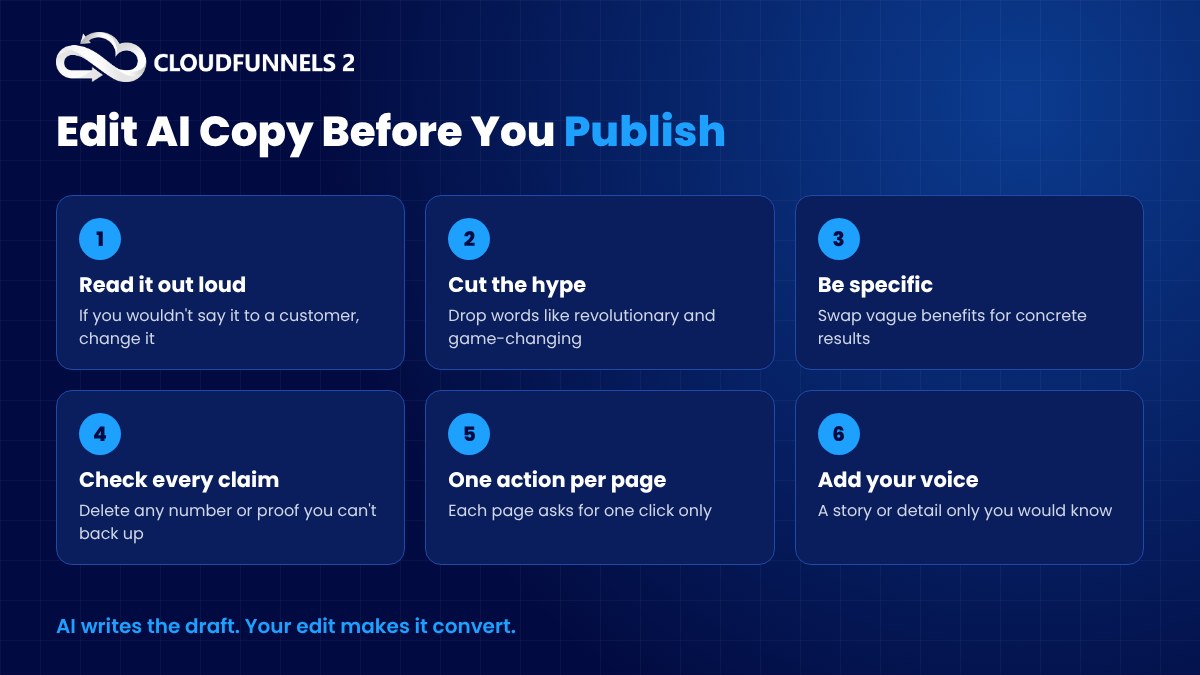
Read every draft out loud. If you wouldn't say it to a customer across a table, change it.
Then run through a few quick checks.
- Cut the hype words. "Revolutionary," "game-changing" and "unlock" make readers roll their eyes.
- Swap general claims for specific ones. "Save time" is weak. "Write your welcome email in ten minutes" is strong.
- Check every fact and number. Remove anything you can't prove.
- Make sure each page asks for one action only.
- Shorten long sentences. Funnel pages get skimmed on phones.
- Add your own words. A story, a phrase you always use, a detail only you would know.
Do this and nobody will guess an AI wrote the first draft.
How CloudFunnels Puts the AI Inside Your Page Builder
Jumping between a chat window and your page editor gets old fast. Copy, paste, fix the formatting, repeat.
That's why we built AI right into CloudFunnels.
You can write page and section headlines, sales copy, calls to action and marketing emails with the built-in AI, right where you design the page. Pick one of the 180+ ready-made funnel and opt-in templates, edit it in the drag-and-drop WYSIWYG designer, and fill in the words as you go.
The rest of the funnel lives in the same place. Upsells, downsells and order bumps. An in-built autoresponder for your follow-up sequence. Analytics that show you which pages convert, and support for 25+ payment gateways so buyers can pay the way they prefer.
You also host it on your own PHP hosting, just like a WordPress blog, so your pages and your customer data stay under your control.
CloudFunnels costs $67 a year.
Final Thoughts
Good funnel copy isn't about clever words. It's about giving each page one clear job and writing exactly what that job needs.
AI makes the writing faster. Your brief keeps it on track. Your editing makes it human.
So start with the brief. Write one page at a time. Ask for options, pick the best, then make it sound like you.
And if you're still choosing the tool to build all this in, take a look at our CloudFunnels AI vs 6 online funnel builders comparison.
FAQs About Writing Funnel Copy With AI
Can AI write a whole sales funnel for me?
It can write a solid first draft of every page. But you still need to give it a clear brief and edit what comes back. The best results come from writing one page, or even one section, at a time.
Will AI-written copy hurt my conversions?
Not if you edit it. Unedited AI copy often sounds generic, and generic copy converts poorly. Add your own stories, cut the hype and check every claim before you publish.
How long should a sales page be?
As long as it needs to be to answer the reader's questions. A low-priced product can sell with a short page. A bigger purchase usually needs more proof and more objections handled.
What should I write first?
Write the brief first, then the sales page. Once the sales page is clear, the opt-in page, upsell and emails are much easier because you already know the promise and the proof.